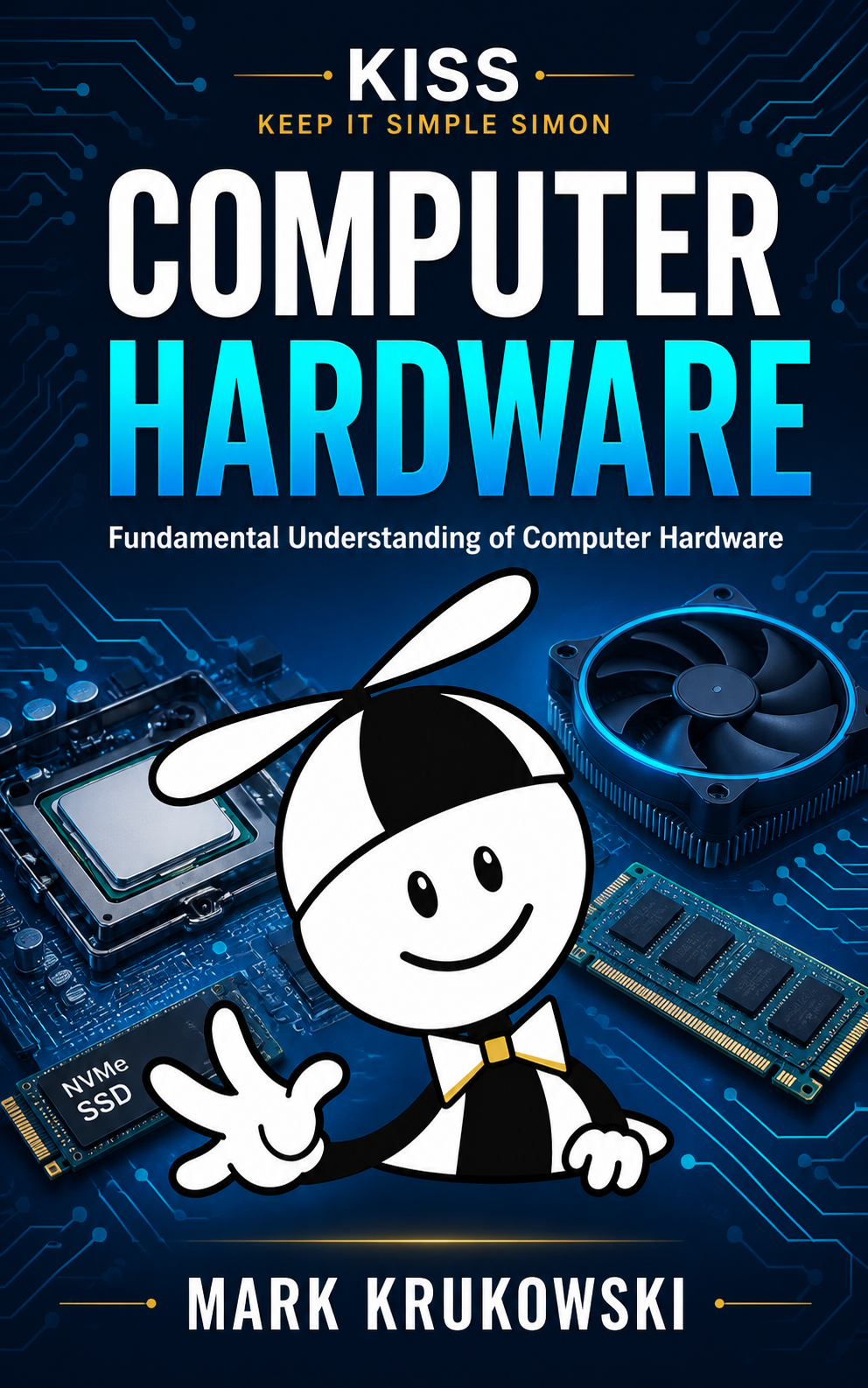
This course provides a comprehensive, hands-on foundation in computer hardware architecture, small office networking, peripheral management, and operational IT support practices. Designed to meet and exceed the official exam objectives for the CompTIA A+ Core 1 certification, students will master physical and virtual system components while developing real-world troubleshooting skills. Content spans traditional desktop/laptop architectures to modern mobile environments, consumer electronics, edge devices, and Internet of Things (IoT) platforms.
 Mark Krukowski
Author
Mark Krukowski
Author
Chapter 1 — Introduction to Technology
Lesson 1 of 10 within section Chapter 1 — Introduction to Technology.
You must enroll in this course to access course content.
Lesson 2 of 10 within section Chapter 1 — Introduction to Technology.
You must enroll in this course to access course content.
1.2 WDYK — What Do You Know? (ungraded)
Lesson 3 of 10 within section Chapter 1 — Introduction to Technology.
You must enroll in this course to access course content.
Lesson 4 of 10 within section Chapter 1 — Introduction to Technology.
You must enroll in this course to access course content.
Lesson 5 of 10 within section Chapter 1 — Introduction to Technology.
You must enroll in this course to access course content.
Lesson 6 of 10 within section Chapter 1 — Introduction to Technology.
You must enroll in this course to access course content.
Lesson 7 of 10 within section Chapter 1 — Introduction to Technology.
You must enroll in this course to access course content.
Lesson 8 of 10 within section Chapter 1 — Introduction to Technology.
You must enroll in this course to access course content.
Lesson 9 of 10 within section Chapter 1 — Introduction to Technology.
You must enroll in this course to access course content.
1.10 Resume Skill Builder
Lesson 10 of 10 within section Chapter 1 — Introduction to Technology.
You must enroll in this course to access course content.
Chapter 2 — IT Professional Practices & Help Desk
Lesson 1 of 11 within section Chapter 2 — IT Professional Practices & Help Desk.
You must enroll in this course to access course content.
Lesson 2 of 11 within section Chapter 2 — IT Professional Practices & Help Desk.
You must enroll in this course to access course content.
2.2 WDYK — What Do You Know? (ungraded)
Lesson 3 of 11 within section Chapter 2 — IT Professional Practices & Help Desk.
You must enroll in this course to access course content.
Lesson 4 of 11 within section Chapter 2 — IT Professional Practices & Help Desk.
You must enroll in this course to access course content.
Lesson 5 of 11 within section Chapter 2 — IT Professional Practices & Help Desk.
You must enroll in this course to access course content.
Lesson 6 of 11 within section Chapter 2 — IT Professional Practices & Help Desk.
You must enroll in this course to access course content.
Lesson 7 of 11 within section Chapter 2 — IT Professional Practices & Help Desk.
You must enroll in this course to access course content.
Lesson 8 of 11 within section Chapter 2 — IT Professional Practices & Help Desk.
You must enroll in this course to access course content.
Lesson 9 of 11 within section Chapter 2 — IT Professional Practices & Help Desk.
You must enroll in this course to access course content.
Lesson 10 of 11 within section Chapter 2 — IT Professional Practices & Help Desk.
You must enroll in this course to access course content.
2.10 Resume Skill Builder
Lesson 11 of 11 within section Chapter 2 — IT Professional Practices & Help Desk.
You must enroll in this course to access course content.
Chapter 3 — Power, Electricity & Safety
Lesson 1 of 3 within section Chapter 3 — Power, Electricity & Safety.
You must enroll in this course to access course content.
Lesson 2 of 3 within section Chapter 3 — Power, Electricity & Safety.
You must enroll in this course to access course content.
3.2 WDYK — What Do You Know? (ungraded)
Lesson 3 of 3 within section Chapter 3 — Power, Electricity & Safety.
You must enroll in this course to access course content.